
Project notes · 24 ago
Getting Started with LaTeX
Introduction
During my academic journey, I realized that writing professional-looking reports, articles, and technical documents was crucial. That's when I discovered LaTeX — a powerful typesetting system used by scientists, engineers, and students around the world. In this post, I'll guide you through my experience learning LaTeX, how I got started using Overleaf, and some essential tips for creating clean, organized documents.
Index
What is LaTeX and Why Use It?
Setting Up Your LaTeX Environment
Writing Your First Document
Essential Commands You Should Know
Tips for Structuring a Professional Document
Lessons Learned
Conclusion and Resources
1. What is LaTeX and Why Use It?
LaTeX isn't like Word or Google Docs. It's not a "what you see is what you get" (WYSIWYG) editor. Instead, you write plain text and compile it to create beautifully formatted documents.
Why LaTeX?
Professional quality typesetting.
Automatic management of references, tables of contents, and figures.
Perfect for documents with lots of formulas, tables, and structure.
Excellent control over formatting.
If you want your reports, papers, or thesis to look professional, LaTeX is the way to go.
2. Setting Up Your LaTeX Environment
To start writing LaTeX documents, you need two things:
Option 1: Use Overleaf (Recommended)
Overleaf is a cloud-based LaTeX editor.
No installation needed — just sign up and start writing.
Great for collaboration and for beginners who don't want to deal with complex setups.
Option 2: Install LaTeX locally
Install TeX Live (Linux/Windows) or MacTeX (Mac).
Recommended editor:
TeXstudio (free, open-source).
Texifier (Mac-only, paid) — a clean, powerful editor worth considering if you're on macOS and want a premium experience.
3. Writing Your First Document
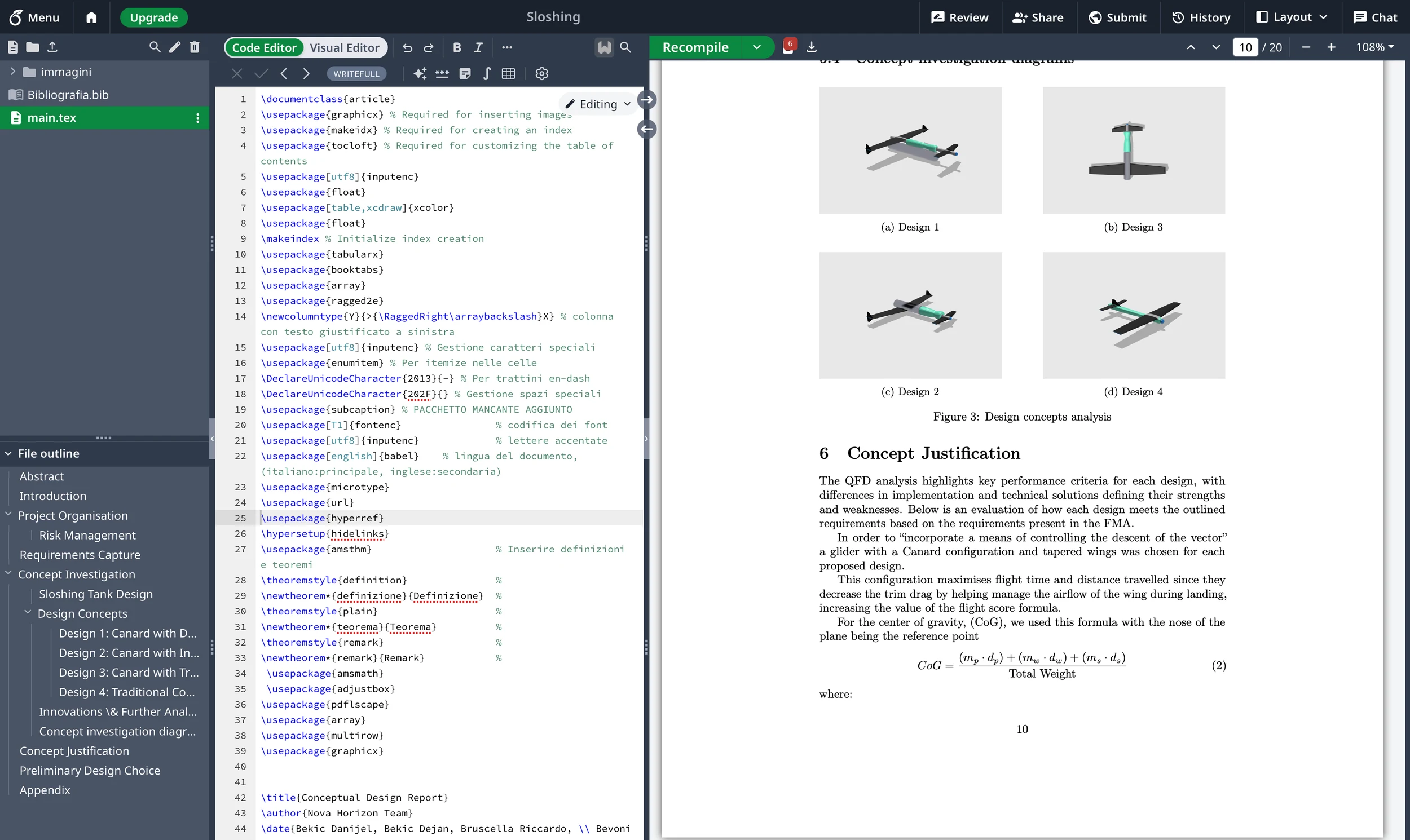
Here’s the minimal LaTeX code to create your first document:
\documentclass{article}

\begin{document}

Hello, world!

\end{document}
Just copy and paste this into Overleaf or your local editor, then compile to PDF.
4. Essential Commands You Should Know
Document Structure:
\section{Introduction}
\subsection{Background}
Text Formatting:
\textbf{Bold text} \quad \textit{Italic text}Lists:
\begin{itemize}
  \item First item
  \item Second item
\end{itemize}
Tables:
\begin{tabular}{|c|c|}
\hline
Column1 & Column2 \\
\hline
Value1 & Value2 \\
\hline
\end{tabular}
Images:
\usepackage{graphicx} % Add this in the preamble
...
\includegraphics[width=0.5\textwidth]{example-image}
Mathematics:
\[
a^2 + b^2 = c^2
\]
5. Tips for Structuring a Professional Document
Use Packages: Enhance your documents with
\usepackage{}commands (e.g.,geometry,amsmath,graphicx).Page Layout:
\usepackage[a4paper, margin=1in]{geometry}Add Table of Contents:
\tableofcontentsBibliography Management: Learn to use
bibtexorbiblatexfor easy citation handling.Organize with \input{}: If your document is large, split it into multiple
.texfiles.
6. Lessons Learned
LaTeX forces you to think about document structure and precision. Here are some key takeaways:
Missing braces or typos can break compilation. Stay neat.
Compiling multiple times might be necessary (especially after adding a Table of Contents or bibliography).
Comments (
%) are your friends. Document everything.The initial learning curve is real — but totally worth it!
7. Conclusion and Resources
Learning LaTeX changed the way I approach writing technical documents. The combination of Overleaf's simplicity and the powerful control of LaTeX gave me tools to create clean, professional papers easily.
Great starting points:
Overleaf's Learn LaTeX in 30 Minutes
LaTeX Wikibook
If you’re on Mac and prefer local editing, definitely check out Texifier for a premium experience.